Just talk. Get finished text.
Better than the dictation built into your iPhone: real punctuation, no filler words, and the option to draft a whole email from one spoken line. Works in any app you type in.
Free to download · Free trial included · No credit card needed
- Privacy-first
- 90+ languages
- No voice training
Are we still on for the 2pm handover?
Yes, 2pm works. I'll send the deck over beforehand.
How it works on iPhone
ListenUp is a keyboard, so you dictate inside the app you are already using. Three taps and you are talking.
Switch to the ListenUp keyboard
Tap the globe key in the bottom-left corner of the keyboard until the ListenUp keyboard appears.
Tap the mic and talk naturally
No commands and no voice training. Just speak the way you normally would.
Clean text appears at your cursor
Punctuated, filler words removed, and ready to send.
See it on your iPhone
Real screens from the ListenUp app on the App Store. This is exactly what you get.
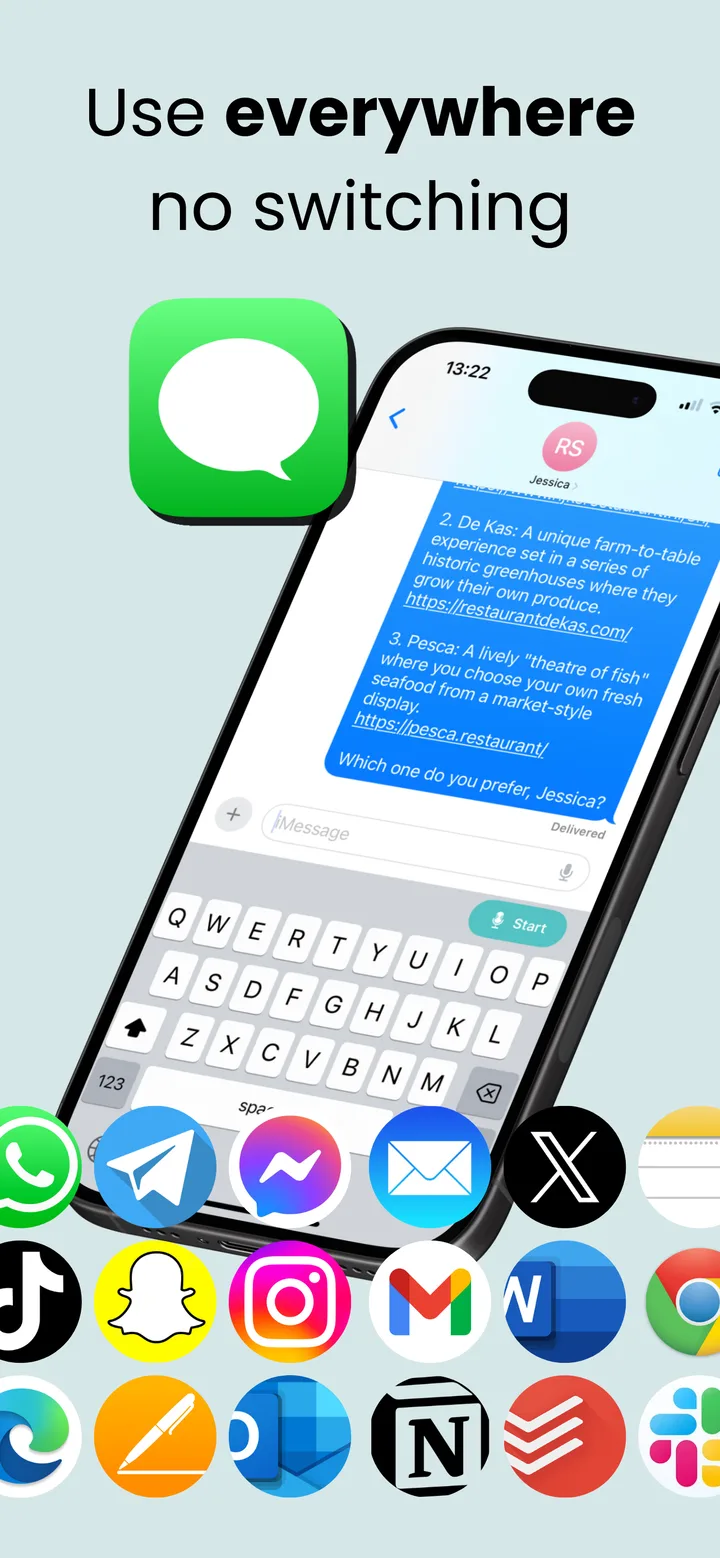
Works in every app
Because ListenUp is a keyboard, you dictate straight into whatever you have open: an email, a Slack thread, or a ChatGPT prompt. No copy-pasting from a separate app.









Two smart modes, no switching
Dictation cleans up what you say. Smart Mode drafts whole messages from a single instruction.
Dictation
Speak naturally and get clean, punctuated text back. Most of your dictation happens here.
“Hey, running five minutes late. Go ahead and start without me and I'll catch up.”
Smart Mode
Start with “listen up,” then say what you need and ListenUp drafts it.
“Listen up, write a thank-you email to Sarah for the project handover.”
No mode switching required. ListenUp figures it out.
Say it messy. Get it clean.
Built-in dictation types every word it hears, including the “um” and the “no, wait, make that.” ListenUp cleans it up and understands your corrections, so what lands in the text box is finished.
hey so um i wanted to say thanks for uh covering my shift yesterday it really like helped me out a lot and i owe you one
Hey, I want to say thank you for covering my shift yesterday. It really helped me out a lot, and I owe you one.
i want five no make that six apples
I want six apples.
hi john i just wanted to follow up on our meeting yesterday let me know if you have any updates regards thomas
Hi John, I just wanted to follow up on our meeting yesterday. Let me know if you have any updates. Regards, Thomas
Say what you need. Get a draft.
Smart Mode goes beyond cleanup. Start with “listen up,” describe what you need, and ListenUp drafts it for you, from emails to quick messages to lists.
“Listen up, write a thank-you email to Sarah for covering the client presentation while I was out sick, and mention the feedback was excellent.”
Hi Sarah, Thank you so much for stepping in and covering the client presentation for me while I was out sick. I really appreciate you taking that on with such short notice. I heard the feedback was excellent, which is a testament to the great job you did. I’m looking forward to catching up on the details now that I’m back. Best, Thomas
“Listen up, tell the group I’m running about 15 minutes late and to go ahead and order without me.”
Hey everyone, I’m running about 15 minutes late. Please go ahead and order without me!
“Listen up, turn this into a to-do list: call the dentist, renew my passport, and pick up groceries after work.”
• Call the dentist • Renew my passport • Pick up groceries after work
What happens to your audio
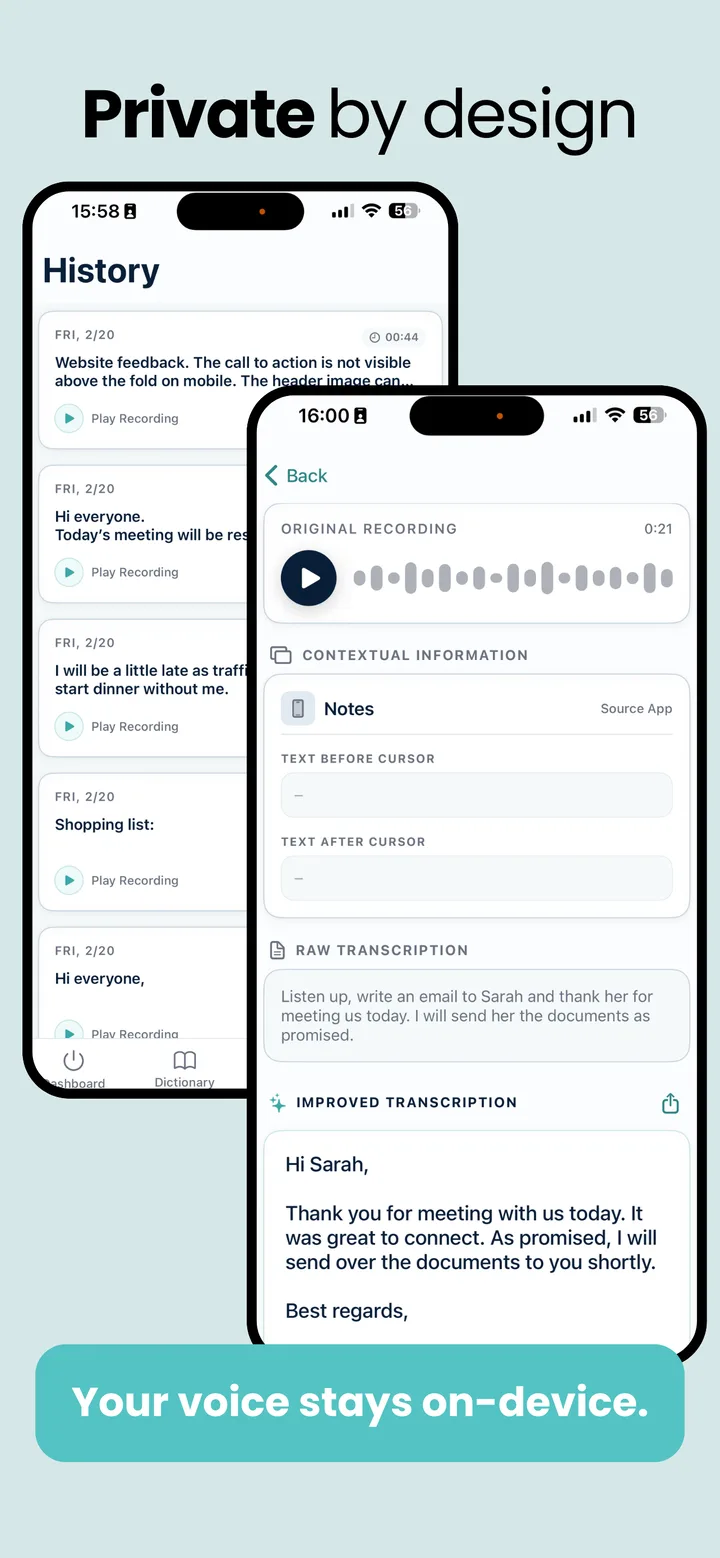
Built privacy-first by an independent European team. Here's exactly how that works.
Transcription runs on-device whenever possible.
So you can dictate right away, a secure cloud handles transcription while the on-device model is downloading or loading, then deletes your audio the moment your text appears.
The AI cleanup that punctuates and polishes your text runs on our servers, in both Dictation and Smart Mode. It only ever receives your transcript text and limited context, never your audio, and that text is deleted the moment your result returns, unless you choose to share it with us.
Your data is never used to train AI models.
No tracking and no ad identifiers.
ListenUp makes money from subscriptions, not from your data.
Why ListenUp asks for “Allow Full Access”
iOS won’t let a keyboard open its own app unless you grant Full Access, and that’s the one thing ListenUp needs it for. The first time you tap Start, the keyboard opens the ListenUp app to get it ready in the background. After that, Start becomes a mic and you dictate right from the keyboard. Without Full Access, that first tap wouldn’t do anything. The keyboard itself never records. Only the main app does, and only when you choose to dictate.
Read our privacy policyAlways know when ListenUp is ready
A Lock Screen and Dynamic Island Live Activity shows when ListenUp is ready in the background, and you can turn it off with one tap. It means ListenUp is ready, not that it is recording.
More reasons to try ListenUp
The practical details that matter once you dictate every day.
90+ languages
Download AI models and dictate in your preferred language.
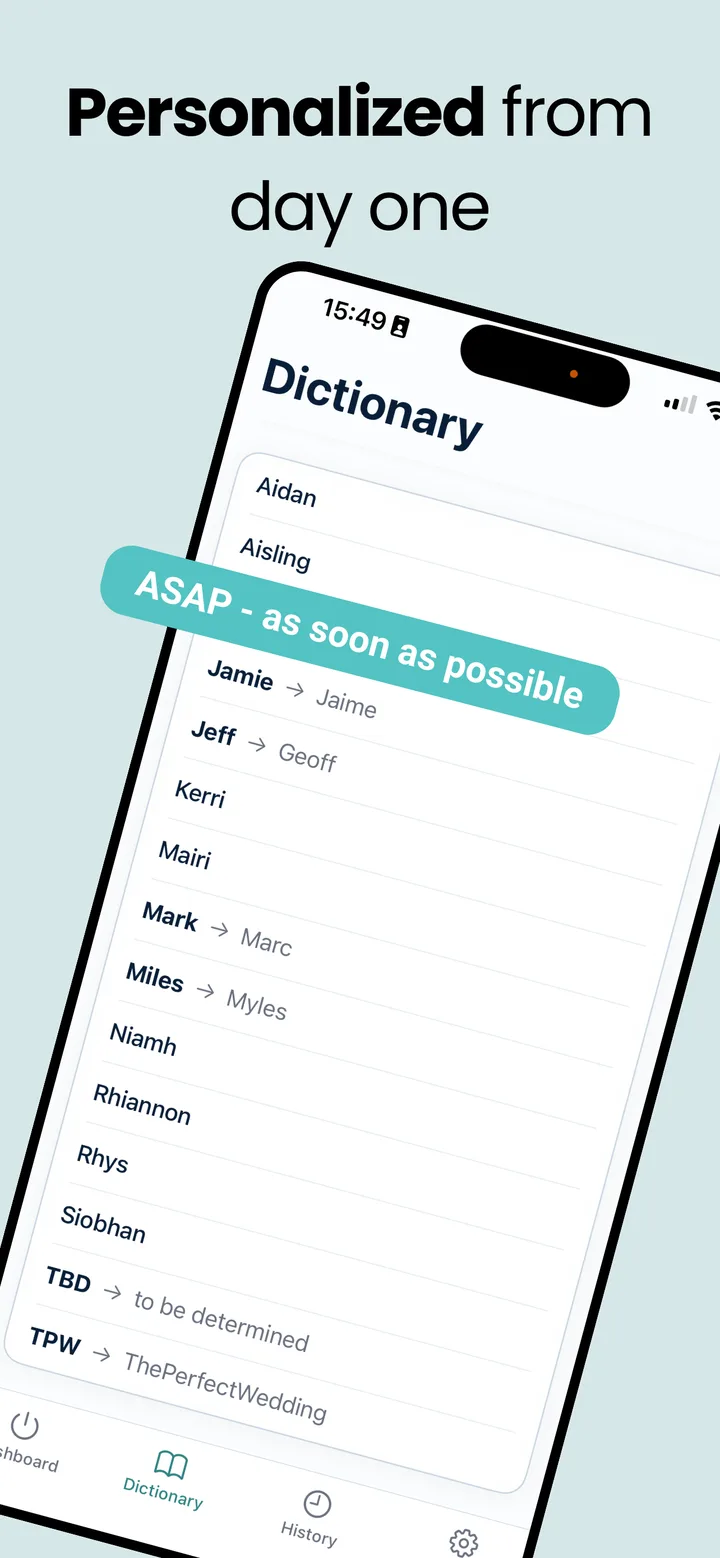
Custom dictionary
Add your names, acronyms, and jargon so ListenUp spells them the way you do.
Works offline
Dictate offline and still get your text down; the polish needs to be online.
History with replay
Review and replay your past dictations right in the app.
No voice training
Start talking immediately. No calibration and no learning period.
Easier than typing
Helpful when typing is uncomfortable: RSI, accessibility needs, or just a long day at the keyboard.
Free to download. Try everything with a free trial.
No credit card needed to start, and one ListenUp account works across iPhone, iPad, and Mac.
See plans and pricingLoved by people who write all day
“My days are packed with meetings and follow-ups. With ListenUp, I can just speak my notes right after a call and move on. It saves me hours every week, and keeps things from falling through the cracks.”
Lars Meijer
Operations Manager
“I use ListenUp for entire articles, not just messy drafts. I speak, fine-tune a little, and it's ready to publish faster than when I type from scratch.”
Chloe Adams
Content Writer
“I use ListenUp to capture reflections between client sessions. It's quick, private, and surprisingly accurate, I feel like I'm thinking out loud onto the page.”
Emma Rojas
Coach
Even better on your Mac
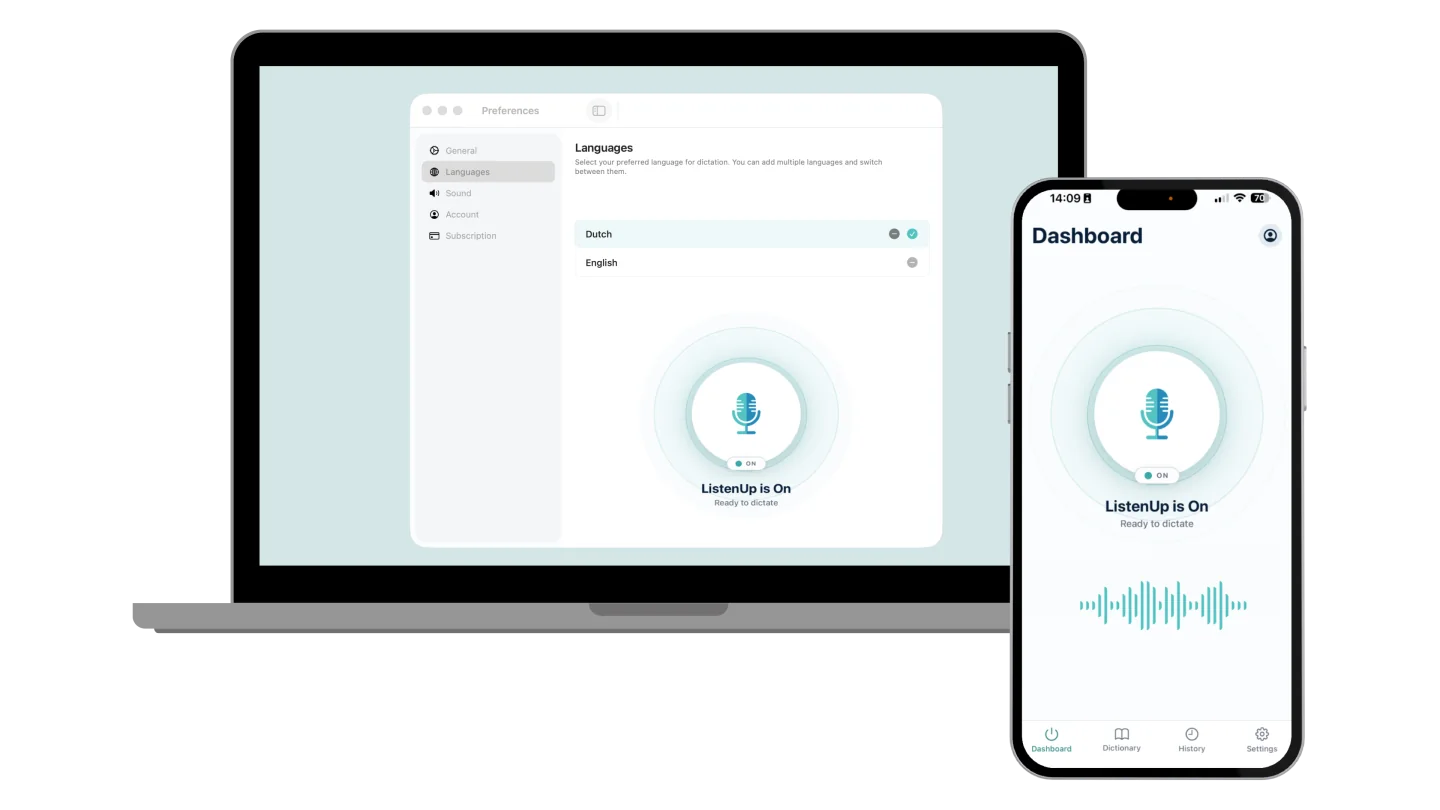
On your Mac, a global hotkey starts dictation in any app. For longer emails and documents, that is where ListenUp is at its best. One account covers your iPhone, iPad, and Mac.
Windows is coming. Join the waitlist
iPhone dictation questions
How is ListenUp different from the built-in iPhone dictation?
Honestly, the built-in dictation is not very good for more than a quick sentence: it types what it hears, ums and all. ListenUp cleans it up: it punctuates, removes filler words, and produces finished text. Smart Mode can draft a whole email or summary from a spoken instruction. You can also add your own names and jargon to a custom dictionary, and dictate in 90+ languages.
Why does the keyboard need “Allow Full Access”?
ListenUp uses Full Access for one thing: the first time you tap Start, the keyboard opens the ListenUp app to get it ready in the background. After that, Start turns into a mic and you dictate right from the keyboard. The app doesn’t reopen. Without Full Access, that first tap wouldn’t do anything. The keyboard itself can’t record audio. Only the main app records, and only when you choose to dictate.
Does it work in all apps?
ListenUp works wherever iOS allows third-party keyboards: Mail, Messages, Notes, Slack, WhatsApp, and almost anywhere you can type. For security, iOS blocks every third-party keyboard in password and other secure fields.
Does it work offline?
With a paid subscription, you can keep dictating for up to 24 hours after ListenUp last confirmed your subscription online. Your speech is transcribed on your device, while the AI cleanup that punctuates and polishes it runs on our servers, so finished text needs a connection. Offline dictation isn’t available during the free trial.
Which languages are supported?
ListenUp supports 90+ languages. You download the language models you need, then dictate in your preferred language.
Is ListenUp free?
ListenUp is free to download and includes a free trial, with no credit card needed to start. See our pricing page for plan details.
Which iOS version do I need?
ListenUp requires iOS 17.6 or later on iPhone, and iPadOS 17.6 or later on iPad. You can check your version under Settings > General > About.
Does it work on iPad?
Yes. ListenUp is built for iPad too and runs on iPadOS 17.6 or later, with the same clean dictation as on iPhone.
Start dictating on your iPhone today
Free to download · Free trial included · No credit card needed
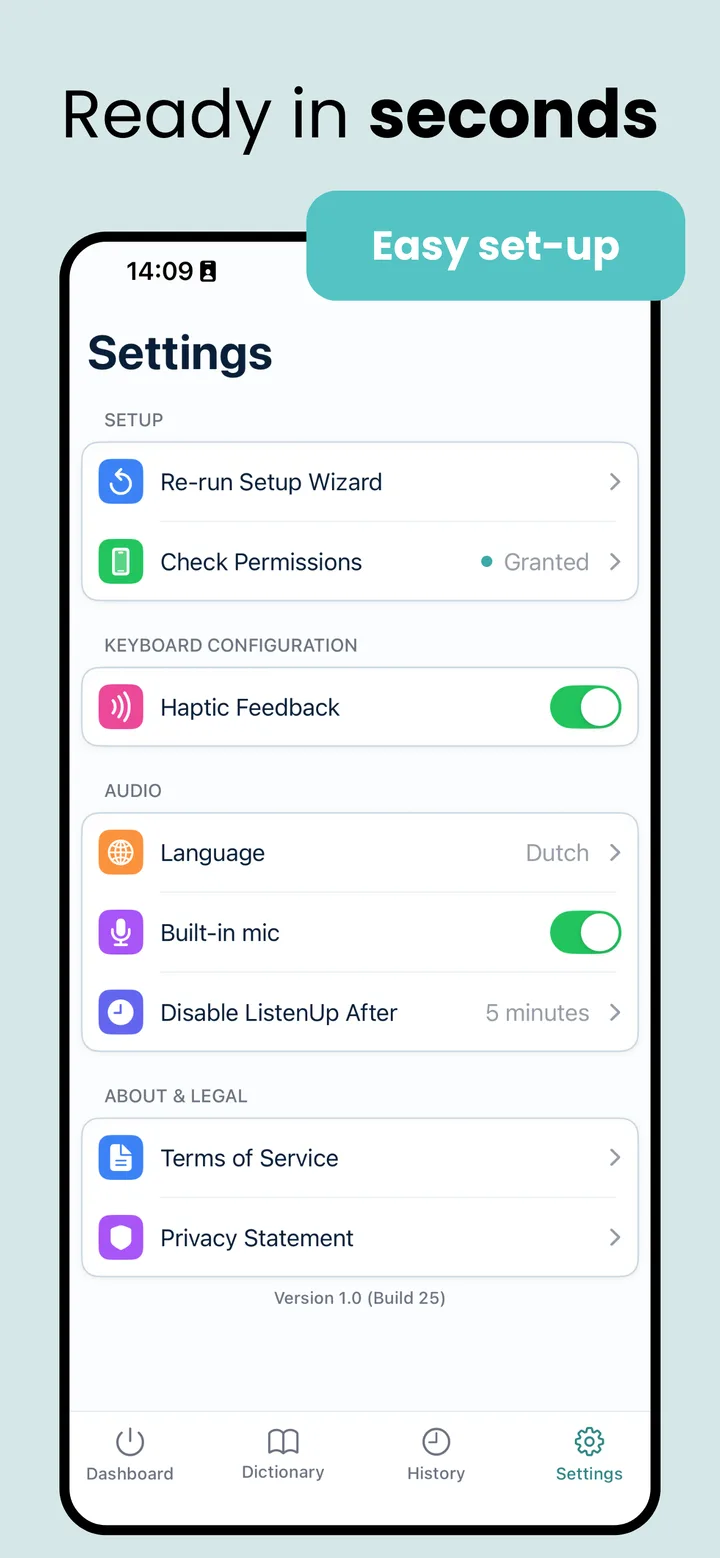
Already installed? Set it up in minutes